












Skip to content
Secure today, intelligent tomorrow

Every AI you use.
One vault you own.

Smart AI Manager is a web application that connects the AI tools you already use and saves everything they generate into one private, encrypted vault that you control.

Conversations, images, video, audio, code artifacts and the prompts behind them are captured as you work, grouped into collections, and searchable across every connected tool at once. You can store your vault files in your own Google Drive, and disconnect any source whenever you want.

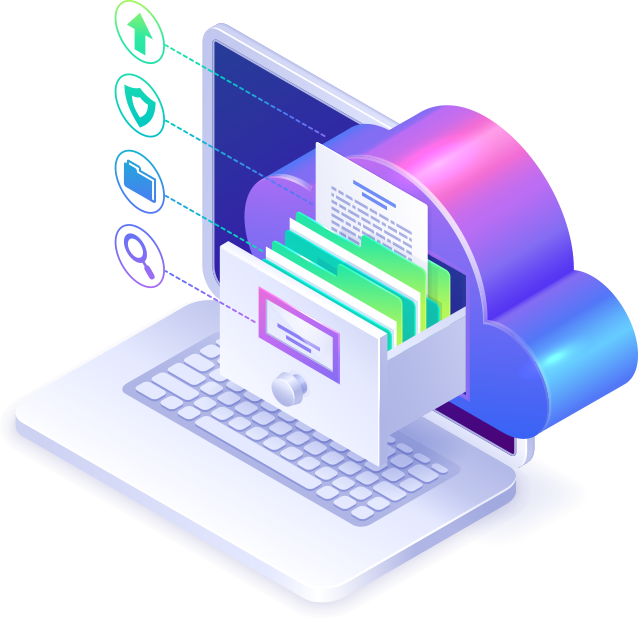
A secure vault collecting documents from connected cloud and AI services
AI sources
17+ connected
Your content
Encrypted, never trained on
Access
Zero-trust, OAuth only
What this application does

The purpose of Smart AI Manager

People now produce a great deal of work through AI tools, and almost none of it is kept anywhere they control — it stays scattered across a dozen separate chat histories owned by a dozen separate companies. Smart AI Manager exists to solve that one problem.

What it is

Smart AI Manager is a web application for individuals and teams who use AI tools for real work. You sign in, connect the AI services you already have accounts with, and the application becomes the single place where everything those services produce is stored, organised and searched.

What it does with your content

It saves the conversations, images, video, audio and code your AI tools generate into a vault tied to your account, groups them into collections, keeps the prompts that produced them, and lets you search across every connected tool at once. Your content is encrypted and is never used to train AI models.

What it does with Google data

Signing in with Google is used only to create and identify your account. Connecting Google Drive is optional and uses the per-file drive.file scope, so the application can only reach files you create or open through it — never the rest of your Drive. Details are in our Privacy Policy.

Connected AI sources

The tools you already use, in one place

Chat, reasoning, code, image, video and voice models — connect the ones you use and Smart AI Manager keeps everything they return.

  • ChatGPT
  • Claude
  • Gemini
  • DeepSeek
  • Grok
  • Perplexity
  • Kimi
  • Cursor
  • Hix AI
  • Google AI Studio
  • Midjourney
  • Flux
  • Leonardo
  • Runway
  • Kling
  • Pika
  • ElevenLabs
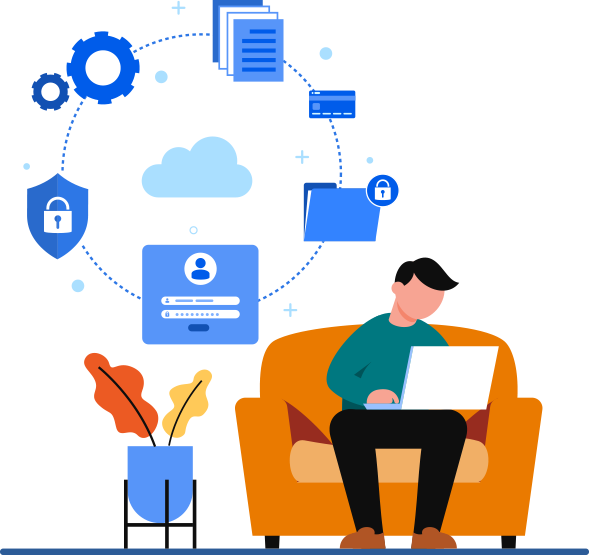
A person working while their files and images are protected behind a shield
What it is

Everything. Organized. Remembered.

AI tools are excellent at producing work and terrible at keeping it. Answers scroll away, generated images sit in a download folder, and the prompt that produced your best result is gone by next week. Smart AI Manager is the layer that keeps all of it.

  • Capture conversations, images, video, audio and code artifacts as they are created.
  • Group related work into collections and projects.
  • Save the prompts that worked and reuse them anywhere.
  • Search across every connected tool from one place.
How it works

From scattered tabs to one vault

What gets connected, where your content is stored, and who can reach it.

Connect your AI sources

You connect each AI tool once, from your dashboard, using that provider’s own authorization flow. Smart AI Manager never asks for the password to your AI accounts — authorization is granted by the provider and can be withdrawn by you at any time, either from inside Smart AI Manager or from the provider’s own account settings.

Connected sources appear on your dashboard under AI Sources, where each one can be set up, managed or disconnected independently. Disconnecting one source leaves everything else untouched.

Everything lands in your vault

Once a source is connected, the work it produces is saved into your vault instead of living inside that tool’s history. That covers the full range of what modern AI returns:

  • Conversations — the full thread, not just the last answer.
  • Images generated from your prompts, at original quality.
  • Video and audio from generative video and voice models.
  • Code artifacts — code blocks lifted out of conversations and kept as files.

Note: your vault content is yours. Smart AI Manager does not use it to train models, and does not sell or rent it. See We never train on your content below.

Collections and the prompt library

Related work is grouped into collections — a client, a campaign, a product, a research thread. Items can be moved between collections at any time, and a single collection can hold output from several different AI tools, which is usually how real work actually happens.

Prompts are saved separately from the answers they produced. When something works, it goes into your prompt library and can be reused against any connected source rather than being retyped from memory.

Search runs across the whole vault at once: conversations, files, images, collections and prompts, regardless of which AI tool produced them. Starred items, recent uploads and an activity timeline give you the same content organised by importance and by time.

Workspaces and organizations

Smart AI Manager supports individual accounts, shared workspaces and organizations. Access is role-based: what a member can open, edit or remove is decided by the role they hold in that workspace, and administrators get their own dashboard for managing members and reviewing activity.

Share without giving access

Any single response can be shared with a read-only link. Whoever opens that link sees that one item and nothing else — no access to your vault, your other collections or your connected accounts. Links are revoked as easily as they are created.

Where your content is stored, and how Google is used

You can connect your own Google Drive as the storage target for your vault, which keeps large files in an account you already own and administer. Your dashboard shows a storage overview so you can see what is being used before you run out of room.

Smart AI Manager uses Google in exactly two optional places, and asks for the narrowest access each one needs:

  • Signing in with Google requests openid, email and profile — enough to create and identify your account, and nothing more.
  • Connecting Google Drive requests drive.file. That is a per-file scope: it reaches only the files you create with, or explicitly open through, Smart AI Manager. It cannot list, read or search the rest of your Drive, and we do not ask for a scope that could.

Access tokens are encrypted at rest, used only to run the vault features you connected them for, and never sold or used for advertising. Disconnecting Drive from your dashboard revokes the grant with Google straight away, and you can revoke it yourself at any time from your Google Account permissions.

Limited Use: Smart AI Manager’s use and transfer of information received from Google APIs to any other app will adhere to the Google API Services User Data Policy, including the Limited Use requirements. Full detail is in section 04 of our Privacy Policy.

Security guarantee

Built as a vault first

Enterprise-grade encryption, AI-driven monitoring and zero-trust access — not added afterwards, but the reason the product exists.

End-to-end encrypted

Content is encrypted in transit and at rest, and every session is served over HTTPS with strict transport security.

Audited by default

Sign-ins, access and changes are written to an activity log, and security alerts surface anything that looks wrong.

Zero-trust access

Every request is authorised against your role. Connected accounts use OAuth, so we never hold a password of yours.

A person working comfortably while their account, files and payments stay secured
Our mission

Your digital fortress

People now create more through AI tools in a month than they used to produce in a year — and almost none of it is kept anywhere they control. It lives in a dozen separate histories, owned by a dozen separate companies, on terms that change without notice.

We built Smart AI Manager on a simple position: the work is yours, so the copy of record should be yours too. One vault, encrypted, searchable, portable, and answerable to you rather than to whichever model you happened to use that day.

Our values

What we hold ourselves to

Users first

Your content is not our product. We make money from the software, never from what you store in it.

Honesty

We say plainly what we collect, what we keep and what we cannot see. No claim here that the product does not actually do.

Respect

You can export what you have and delete your account permanently. Leaving is treated as a feature, not a failure.

Responsibility

A vault has one job. We take security failures seriously and tell you when something affects your account.

What we offer

What Smart AI Manager gives you

Highlight features

  • One vault for conversations, images, video, audio and code artifacts.
  • Collections that group work across different AI tools.
  • A prompt library so a result that worked can be reproduced.
  • Search that runs across every connected source at once.
  • Workspaces with role-based access for teams and organizations.

How we’re different

  • Neutral: we are not a model vendor, so we have no reason to lock you to one.
  • Private: your content is never used to train anything.
  • Yours: connect your own Google Drive and keep the files in your account.
  • Accountable: audit logs, security alerts and revocable access throughout.
Security in detail

Peace of mind, by design

Five commitments that govern how your content moves through Smart AI Manager — and what we deliberately never do with it.

A laptop with its data protected from an intruder

We never train on your content

What you store in your vault is not used to train models, is not sold, and is not rented to anyone. It is not mined for advertising and it is not shared with other customers. We are paid for the software, which means we have no commercial reason to look at what you keep in it — and a very strong one not to.

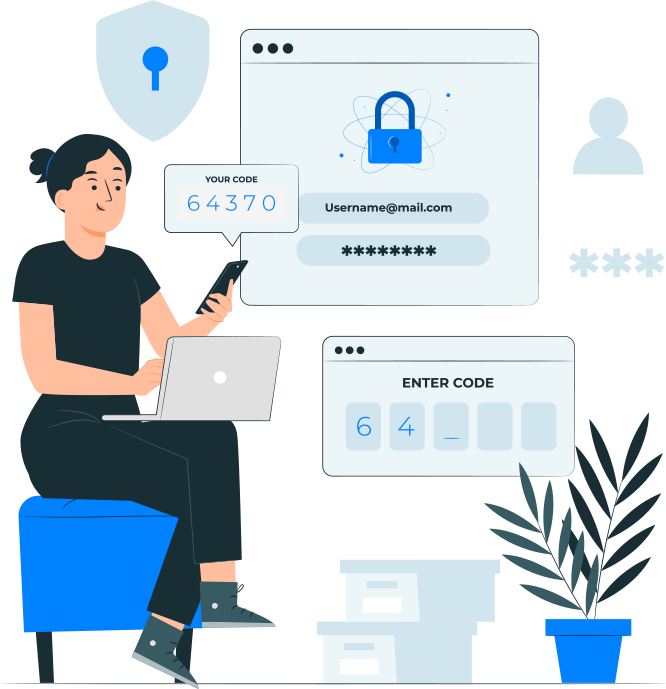
A person confirming a one-time code while signing in securely

Authorization without passwords

Connections to your AI tools and to Google Drive use OAuth, the standard authorization framework those providers support. It lets Smart AI Manager hold a revocable, scoped token instead of your credentials, so the password to your AI accounts is never recorded here. Your own Smart AI Manager sign-in is protected by hashed passwords, session regeneration and brute-force rate limiting.

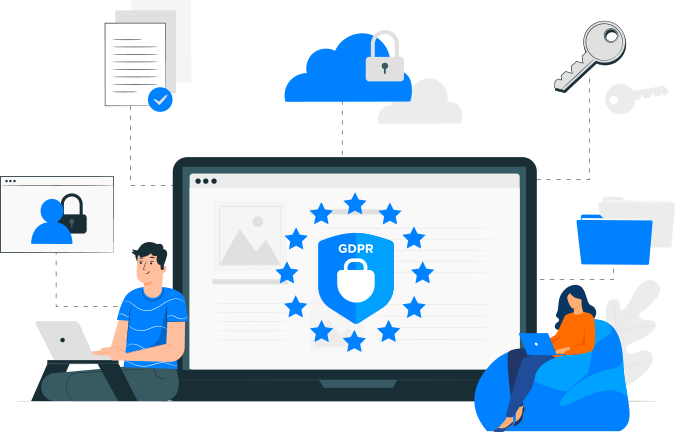
People working under a GDPR privacy shield

Privacy taken seriously

We apply appropriate security and technical measures to protect personal data, and we process only the personal data needed for a specific purpose. Our privacy policy sets out exactly what we collect, how long we keep it, and what we share — in plain terms rather than in a wall of exceptions.

Connected services and storage infrastructure managed by a team

Disconnect any source, anytime

Every connected AI tool and storage account can be disconnected on its own, from your dashboard, without touching the rest of your vault. Once revoked, Smart AI Manager can no longer reach that account. You can also revoke the authorization from the provider’s side and we will simply lose access, which is exactly how it should work.

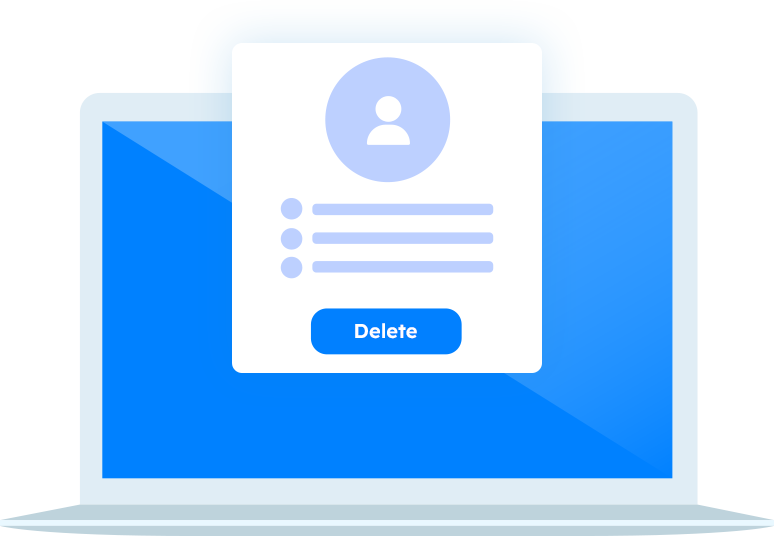
An account screen with a permanent delete action

Delete your account permanently

You can permanently delete your Smart AI Manager account at any time. When you close it, your account information is removed from our database. Files you chose to keep in your own Google Drive stay in your Drive, because they were always yours — deleting your vault does not reach into an account we do not own.

Start keeping what your AI creates

Connect your first source in a couple of minutes and stop losing work to someone else’s chat history.